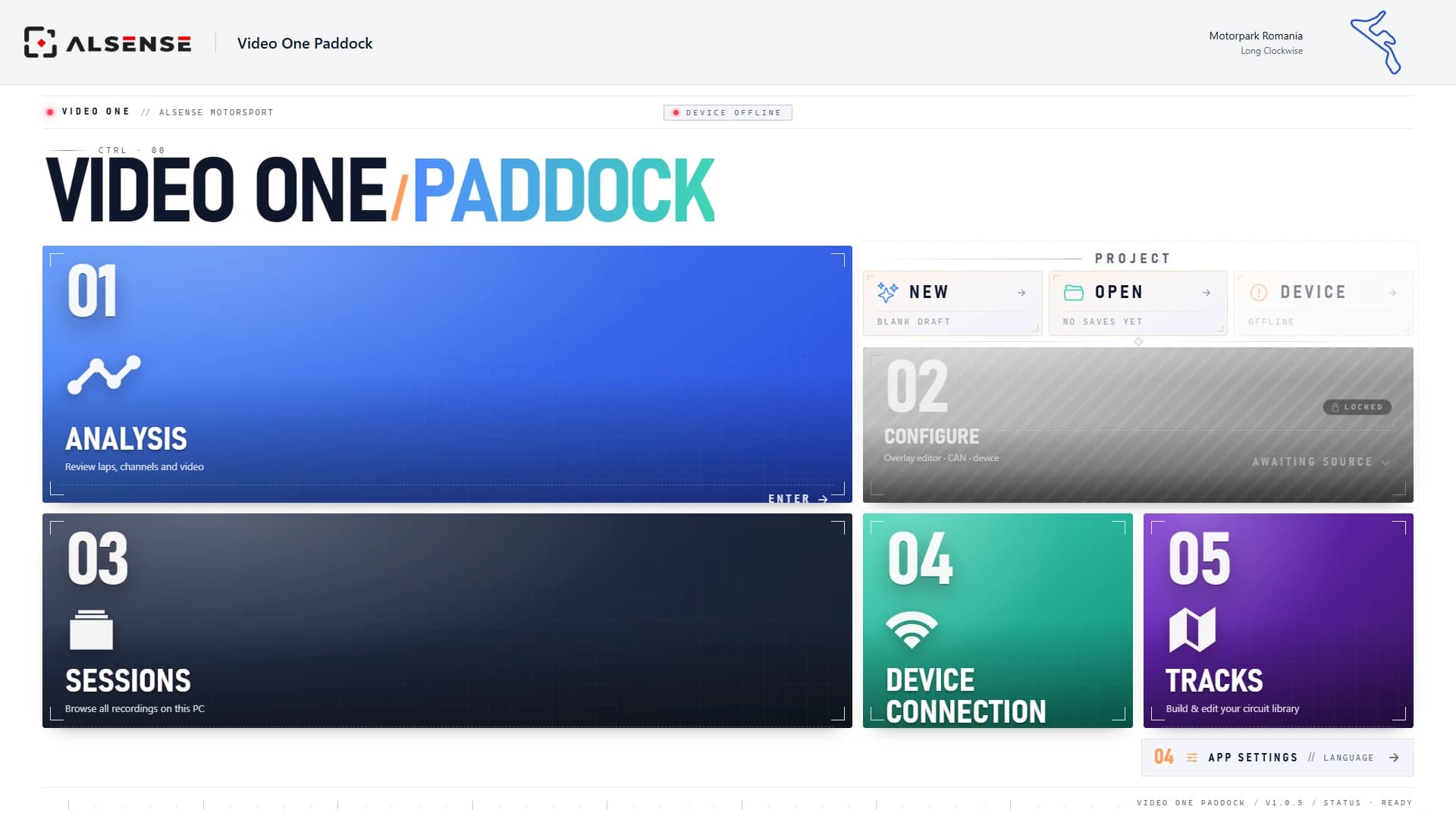
Video One Paddock
The desktop app: analysis, overlay and track editors, live preview and device configuration.
No release published yet.
Find answers in the FAQ below. Detailed guides for the device, Paddock and the website are coming soon.
Video One Paddock runs on your PC. The device software is installed on the unit from Paddock over Wi-Fi, see the firmware FAQ. Mac support is coming soon.
The desktop app: analysis, overlay and track editors, live preview and device configuration.
No release published yet.
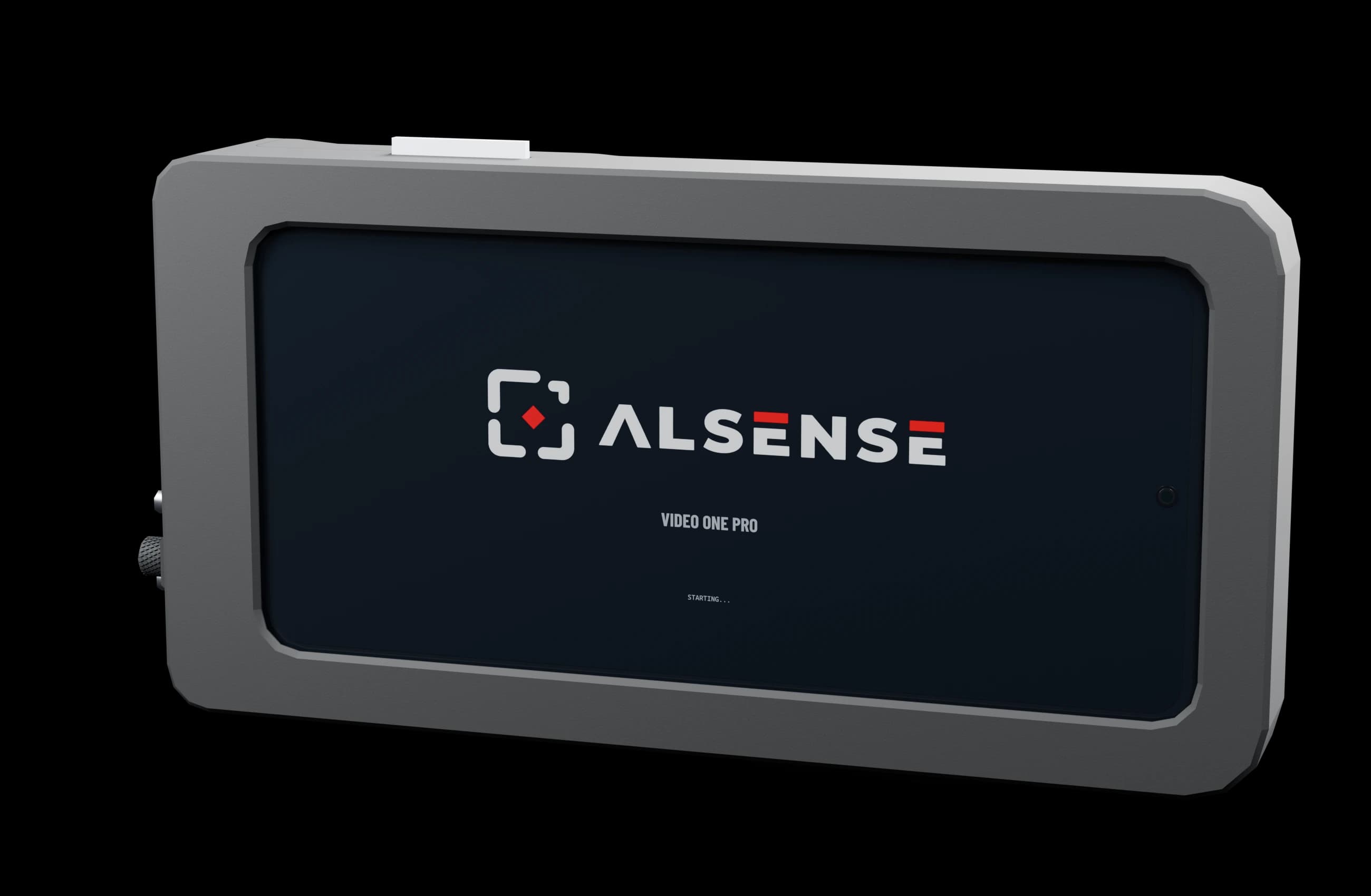
The software that runs on the unit, sensor-board firmware included. Installed from Paddock over Wi-Fi: open the device card and press Update software.
No release published yet.
Step-by-step instructions with photos, screenshots and video walkthroughs. These guides are coming soon. Planned topics are listed below.
Set up and use Video One Pro in the car.
Analyse sessions and configure your video and data setup.
Manage your account, stream sessions and review them online.
Frequently asked questions about Video One Pro, Paddock and your account.
Add your device to your account.
Start a stream and share the viewing link.
Find stream recordings and transfer files.
Lap analysis, overlay editing and track editing.
Browser playback and connection help.
Device software updates.
Passwords and account deletion.
The claim code ships with your Video One Pro, printed on the card in the box. It is a short code like AB4K-7NPX.
Enter it under Claim a device in your dashboard. The code is not case sensitive.
Check for easy-to-confuse characters first; the code alphabet avoids them, so there is no letter O or number 0.
If the code still fails, the device may already be claimed, for example after a return. Contact support and we will sort out ownership.
Online means the device is connected to our service. Streaming starts when a session is started on the device itself.
Once streaming starts, the dashboard shows LIVE within a few seconds.
Create a share link on the device page. Anyone with the link watches live in a browser, no account needed. A new link replaces the old one; turning sharing off revokes it everywhere.
Use a current version of Chrome, Edge, Firefox or Safari on your computer or phone. No plugin or app is needed to watch.
Check the device card first: if the device is not LIVE, there is nothing to connect to yet.
Some networks block live video connections. Try mobile data to check whether the network is the cause. If it still fails, contact us with the time it happened and the browser you used.
With a plan that includes cloud storage, the stream is captured at 720p while you stream and appears under Sessions with a Watch button shortly after the session ends. The full-quality recording stays on the unit.
Transfer recordings by SD card or wirelessly. Cloud transfer is part of the subscription. Recording and desktop analysis work without a subscription.
Video One Paddock features and download
Compare laps with video, telemetry and track position in sync. You can also create video overlays, edit circuits, preview video in real time and configure the device wirelessly.
No. Video One Paddock is included with Video One Pro and is free to use on PC. Mac support is coming soon.
Use the mobile app to preview the camera view and quickly change device settings. Use Video One Paddock on your PC for detailed video and data analysis.
Updates are installed from Video One Paddock on your PC. Download the new version from the Downloads section above, connect to the unit on the same network, open its device card and press Update software. Paddock uploads it, shows the current and new version, installs it and the unit restarts. The sensor-board firmware is updated along with it. Updates cannot be installed while a recording is running.
Use Forgot password on the login page. You will get an email with a link to set a new password.
Use Request deletion on your Account page, or email us from the address on the account. Your login is closed right away. Alsense then erases your sessions, recordings and telemetry and releases your devices so they can be claimed again. If you had a subscription, your cloud library stays downloadable for 60 days first. Invoices are kept for as long as the law requires.