Analyse every lap. Free, forever.
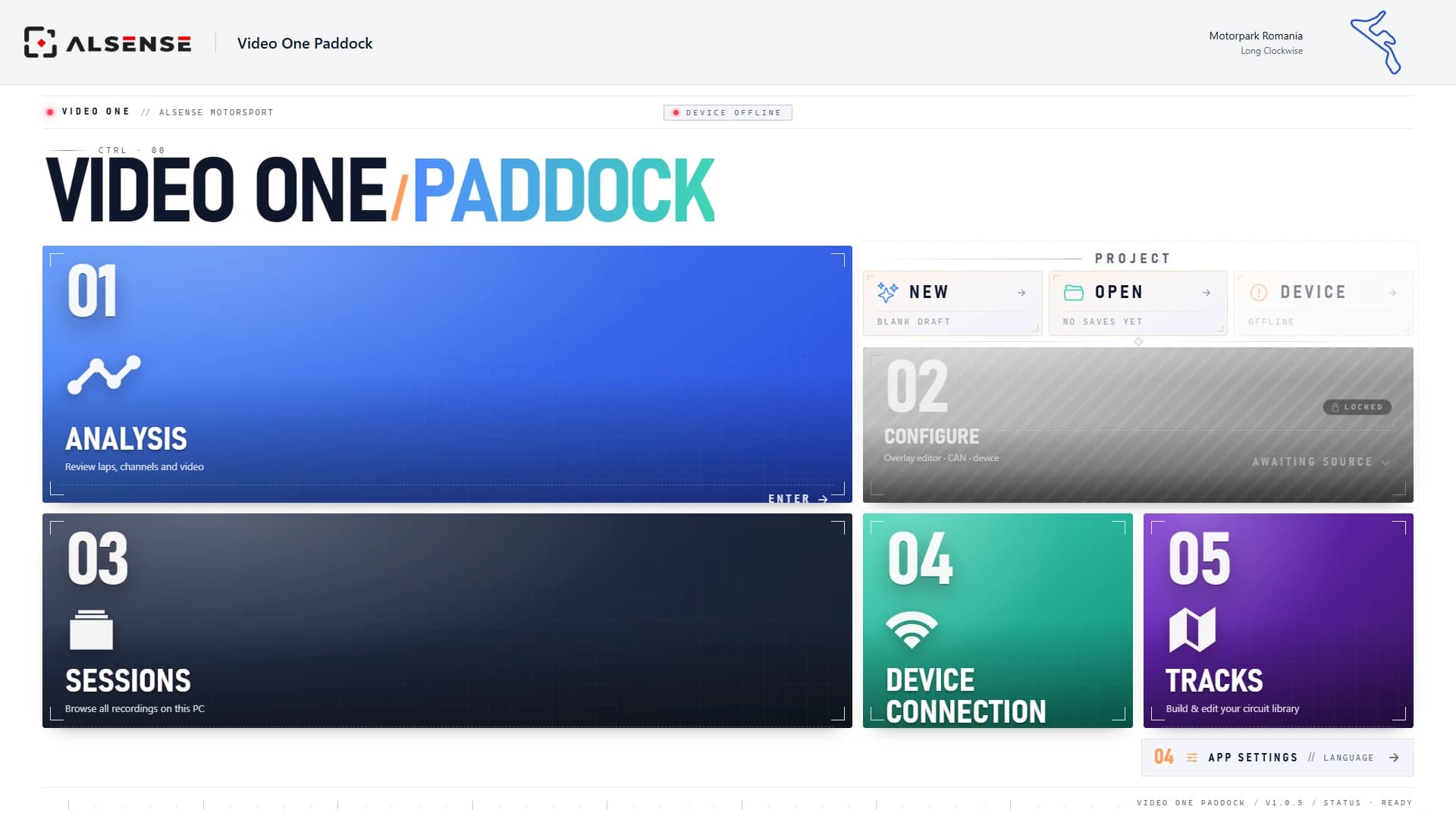
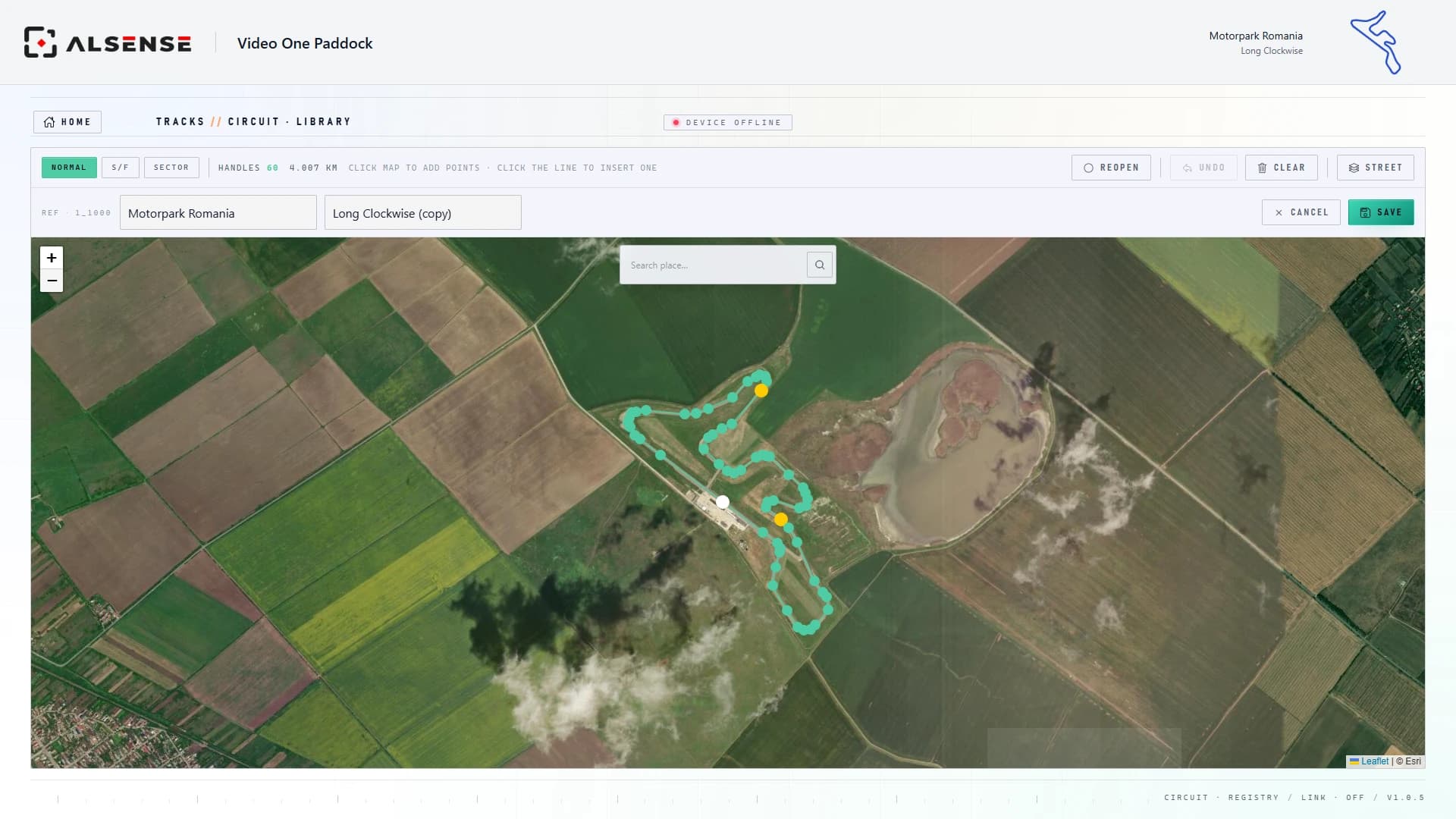
Video One Paddock is the desktop app for Video One Pro. Compare laps with synced video, telemetry and track position, create video overlays, edit circuits and preview video in real time. You can also configure the device wirelessly. Included with the unit, free on PC, with Mac support coming soon.

What it does
Included · PC · Mac coming soonOverlay any two laps and follow the delta corner by corner. See exactly where the time went.
On-board footage locked to the data. Scrub the chart, the video follows; scrub the video, the cursor follows. Click a corner on the track map to jump there.
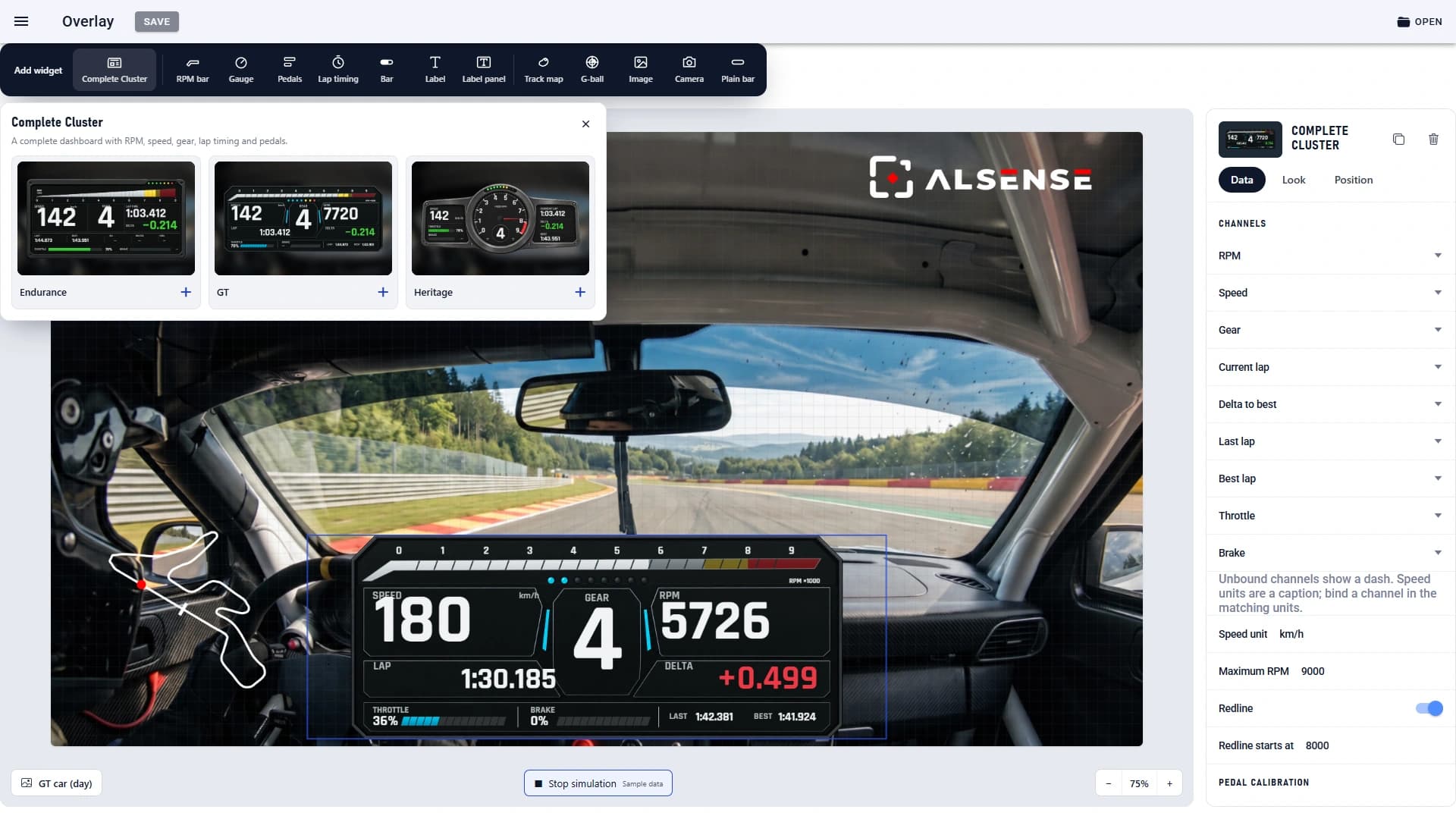
Choose a complete cluster or individual widgets. Arrange them over the video and set the channels, appearance and position.
Choose which data to plot: GPS, accelerometer, lap times and CAN channels. View them together to compare what’s happening.
Every recording on this PC, or in your cloud library. Open a session and you are analysing in seconds.
Pair the unit, pull sessions, push configuration. All wireless, from the same app.
Set up the video overlays
Choose an Endurance, GT or Heritage cluster, or build a layout from individual widgets. Select the data channels, adjust the appearance and position each widget over the video.
Preview video and configure the device from your phone
Use the mobile app to check the camera view and quickly adjust device settings before you drive. For lap comparison and detailed video and data analysis, use Video One Paddock on your PC.